> For the complete documentation index, see [llms.txt](https://partner-docs.fera.ai/llms.txt). Markdown versions of documentation pages are available by appending `.md` to page URLs; this page is available as [Markdown](https://partner-docs.fera.ai/partner-badges.md).
# Partner Badges
Fera badges you can use improve authority and trust for your business
## Works With Fera Badge
{% hint style="success" %}
**Best for:** Apps and Themes
{% endhint %}
"Works With" Badges
Get the HTML code snippets for this badge from here:
{% content-ref url="/pages/gIF18ribu3sE4jdVu5Z3" %}
[Works With Fera](/partner-badges/works-with-fera.md)
{% endcontent-ref %}
## Trusted Partner Badge
{% hint style="success" %}
**Best for:** Agencies and Service Businesses
{% endhint %}
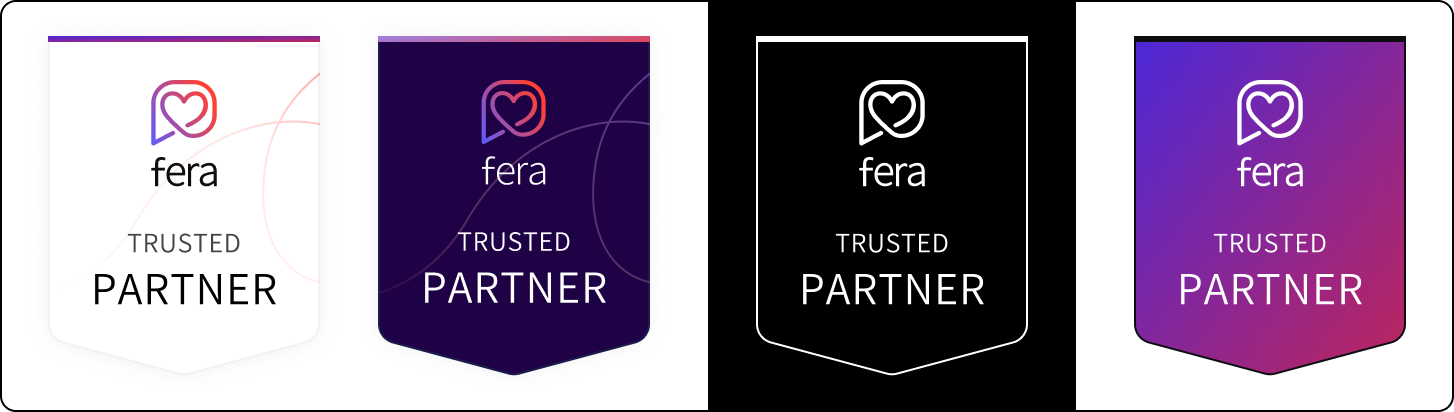
"Trusted Partner" Badges
Get the HTML code snippets for this badge from here:
{% content-ref url="/pages/WWdOTixnYWpjShsYcVSd" %}
[Trusted Partner Badges](/partner-badges/trusted-partner-badges.md)
{% endcontent-ref %}